Why Your Website Gets Google Impressions but No Enquiries
By Revampify · 19 November 2026 · 9 min read
Prepared with AI assistance and checked against the linked official guidance. Visuals are illustrations, not client results.
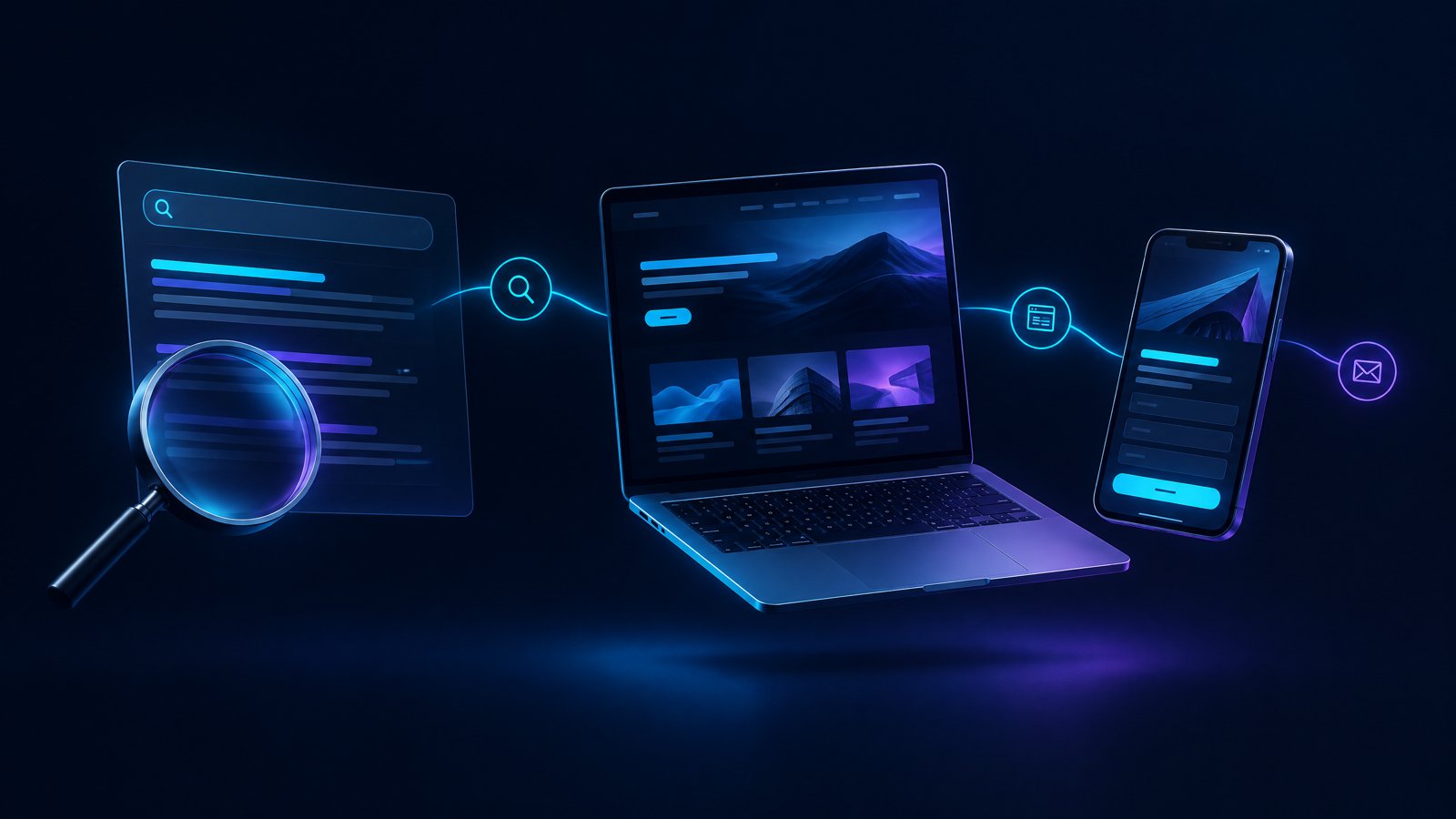
If your website gets Google impressions but no enquiries, find the missing step before spending money on more traffic. No impressions calls for visibility and indexing checks. Impressions without clicks calls for a closer look at search intent and your search listing. Clicks without leads calls for testing the page, the offer and the enquiry route.
First, identify where enquiries are being lost
An impression means your link appeared in Google under the reporting rules for that result type. It does not mean someone visited your website. Search Console's click-through rate (CTR) is clicks divided by impressions.1 Enquiries sit further along the journey and need separate measurement.
Start with one commercially important service page, rather than the whole website. Ask:
- Does it receive impressions for searches connected to services you sell?
- Do those impressions produce clicks?
- Do visitors make contact, and can you verify that contact arrived?
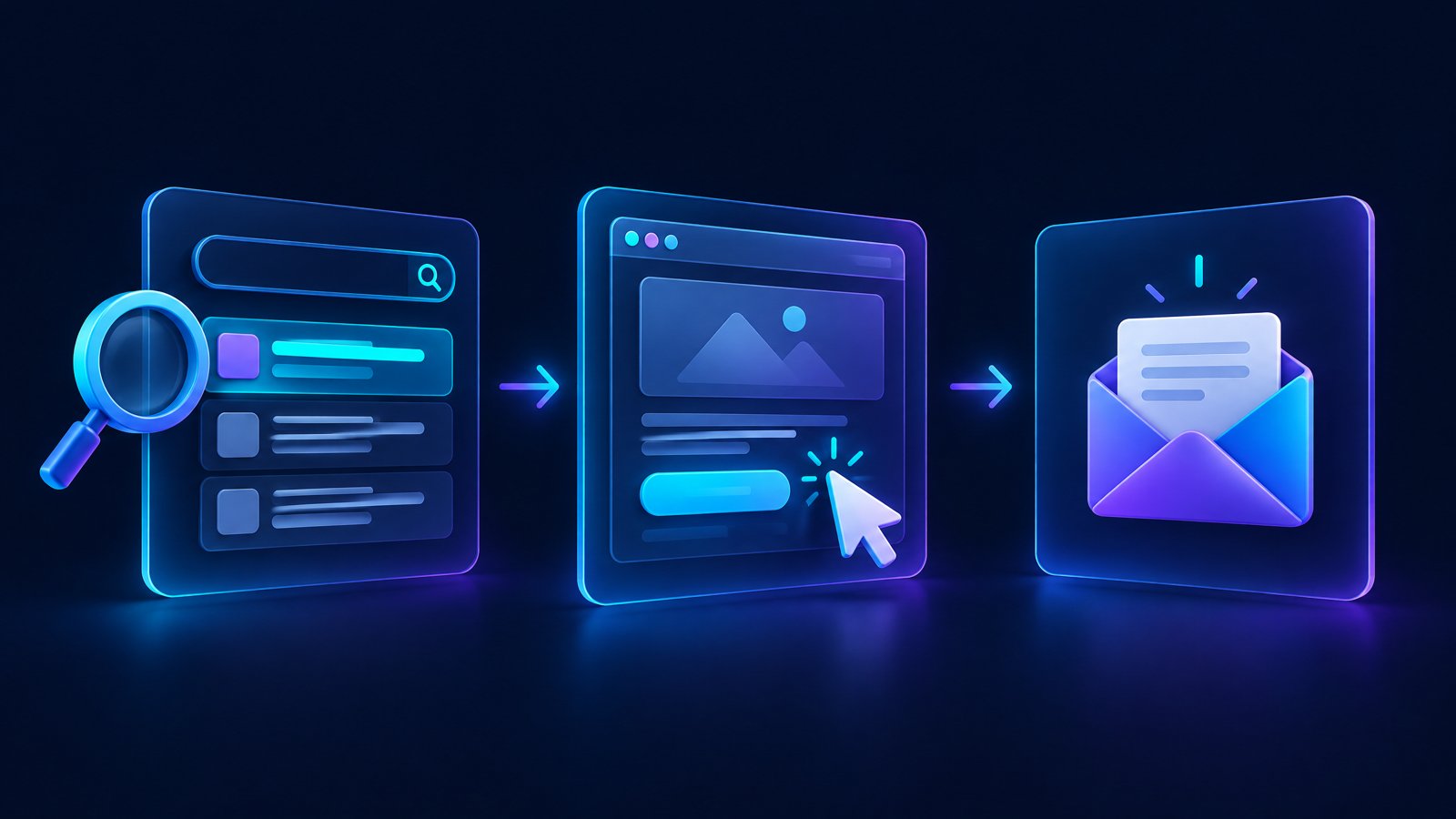
A hypothetical Manchester electrician might receive impressions for an advice article about fuse boxes, while the page selling consumer unit replacements gets little exposure. This is an illustration, not a Revampify or client result.
Separate the data before changing the website
Open Search Console's Performance report, choose Web search and compare equivalent periods. A recent 28-day period against the previous 28 days is a useful starting point; use a longer view when volumes are small. Consider seasonal demand and compare the same period last year where data is available. Google's traffic-drop guidance recommends checking patterns and possible causes before deciding what went wrong.4
Filter the report rather than accepting the headline total:
- Page: inspect the exact service URL. Blog traffic can hide weak commercial pages.
- Query: separate your business name from non-branded searches, then distinguish buying enquiries from research questions.
- Device: compare mobile with desktop. A problem concentrated on mobile deserves a mobile test.
- Country: check whether exposure comes from the UK or places you do not serve.
Apply these filters together where useful. UK mobile searches reaching your main service page are more relevant to a local enquiry problem than worldwide impressions across every article.
Avoid treating average position as your website's single Google rank. Search Console averages the position of your highest-positioned link for each impression.1 A movement in the total may reflect a changed query mix rather than a comparable improvement or decline.
Keep a brief record of the page, filters, dates and changes you make.
Branch one: the important page gets no impressions
Check access, indexing and the canonical URL
Use Search Console's URL Inspection tool on the exact page you want customers to find. Check its indexing status and read the stated reason if it is excluded. Then inspect whether the page loads normally, redirects unexpectedly or carries an unintended noindex instruction.
Review the canonical URL: this indicates the preferred version of a page when similar versions exist. Check both the declared canonical and Google's selected canonical in Search Console. A service page pointing to the homepage or an old URL needs investigation.
Check that useful internal links lead to the page and that its current URL appears in your sitemap. Fix confirmed technical mistakes before rewriting titles. Being indexed makes a page eligible to appear; it does not guarantee impressions for your chosen searches.
Check whether the page earns a place in the search
If the page is indexed, examine whether it clearly answers a real service query. Does it explain the service, who it is for, where you work and what happens next?
Authority also deserves attention. Make your business identity and relevant qualifications verifiable. Add genuine examples of work and seek relevant mentions or links through professional associations, suppliers and local business relationships. Avoid buying bulk links or fabricating credentials.
For local searches, Google describes relevance, distance and prominence as its main local ranking factors. Accurate Business Profile information and genuine reviews belong in that work.3 Keep your service areas, contact details and opening hours accurate. Do not invent addresses or copy the same page across dozens of towns. You cannot change a searcher's distance from your business by repeating a place name.
Branch two: impressions arrive, but people do not click
Match the title and snippet to the job
Review the queries attached to the page. Would someone using those words reasonably want your service? Broad impressions for information searches may never become strong enquiry traffic. Focus first on relevant searches with a clear commercial purpose.
Your title should name the service and, where relevant, its location. Your description should explain a useful reason to visit. "Home | ABC Services" tells a searcher far less than a specific service description.
For a hypothetical heating company, "Boiler Repairs in Stockport | ABC Heating" is clearer than "Expert Solutions for Your Home". A description could state the service area and how to request an appointment. Only include emergency availability, accreditations or response times if they are true. Google may display different title or snippet text, so treat your wording as an input, not a guaranteed advert.
Read the results for a few representative searches. Are people looking for a price, a comparison, a nearby provider or instructions? If the page serves the wrong purpose, a sharper title alone will not solve it. Change the page's substance or target a more suitable query.
Judge CTR in context
There is no useful universal CTR target for every SME page. Position, branded searches, intent and the surrounding results affect how you should interpret it. Compare the same page and query group over time rather than chasing a percentage borrowed from another business.
Search layouts can also affect where users click. Google says traffic from its AI features is included in Search Console's Web performance totals, and that the same SEO fundamentals apply: pages must be indexed and eligible to show a snippet. It does not require special AI files or schema, and inclusion is not guaranteed.2 For that separate topic, see our AI SEO optimisation guide. Do not label every low-click page an AI problem.
Branch three: people click, but enquiries do not follow
Make the service proposition obvious
Open the landing page as a first-time visitor. Can you quickly tell what the business does, whether it covers your area and how to enquire?
Replace vague claims with practical information: the work you take on, suitable customers, what is included and any meaningful limitations. Where pricing cannot be fixed, explain what affects the quote. Give visitors relevant evidence, such as permissioned project photographs, accurate qualifications and genuine reviews.
A portfolio helps people judge the work, but it should support a clear service explanation rather than replace it. Put the next step near the information that helps someone decide. "Request a quote" or "Discuss your project" is more useful than an unexplained "Submit".
Test the whole mobile enquiry route
Use a real phone, not just a resized desktop window. Arrive on the service page, dismiss or manage the consent banner, find the contact button and complete the form.
Check keyboard behaviour, readable labels, required fields, validation messages and whether a sticky banner covers the button. Confirm that the thank-you message appears and the enquiry reaches the correct inbox or CRM. Check spam folders too.
Test tap-to-call links and any email alternative. Ask only for details needed to handle the initial enquiry. Avoid making a customer write a full project brief before they can speak to you.
Check measurement before declaring there are no leads
Search Console clicks, analytics sessions and recorded enquiries measure different events. They will not necessarily match. Consent choices, blocked scripts, configuration errors and visits that end before analytics loads can create gaps.
Compare analytics with actual form deliveries, CRM records and answered calls. Review whether your enquiry event fires after a successful submission rather than merely when someone presses the button. Record telephone-link taps separately from completed calls.
Test accepted and declined consent routes. Respect the user's choice; do not bypass consent to improve reporting. The form should still work when optional analytics is declined. Record known limitations so an apparent conversion drop does not become an unnecessary rebuild.
A prioritised 30-day action plan
Days 1 to 3: remove hard failures
Choose your main service page and establish its baseline. Check indexing, canonical selection and the complete mobile enquiry journey. Fix confirmed access problems and broken forms first. Verify delivery and measurement before interpreting lead totals.
Days 4 to 10: correct the biggest mismatch
Use page, query, device and country filters to identify your branch. For relevant impressions without clicks, improve intent matching and listing wording. For clicks without enquiries, clarify the proposition and contact route. Avoid changing everything simultaneously; you need to know what you tested.
Days 11 to 20: strengthen useful evidence
Add missing service detail, genuine work examples and clear coverage information. Review your Business Profile and relevant internal links. A focused website revamp in Manchester may suit a site with sound foundations. If wider structural work is needed, our Manchester web design service explains the options. Plan URL changes carefully using our guide to redesigning without losing SEO.
Days 21 to 30: review comparable evidence
Repeat the same filters and enquiry tests. Review qualified enquiries alongside clicks and impressions. Low-volume pages and search changes may need longer to assess. Thirty days is a working plan, not a ranking deadline.
If you need help implementing the fixes, explore Revampify's packages from £1,000, with delivery from 48 hours depending on agreed scope. Contact Revampify with your priority service page and the problem you have identified. The aim is a clearer, usable enquiry journey, without promises of rankings.
Frequently asked questions
Why do I get Google impressions but no clicks?
Your page may appear for unsuitable searches, sit below more useful results or have an unclear title and snippet. Check the page's queries, device and country data before changing its wording.
What is a good click-through rate for a small business website?
There is no single useful target. Compare similar queries and pages over time, allowing for position, search intent and branded traffic rather than judging the whole site by one percentage.
Can a website be indexed but get no enquiries?
Yes. Indexing does not guarantee visibility, clicks or enquiries. You still need relevant service content, a credible offer and a working contact route.
Why does Search Console show more clicks than analytics shows visits?
The tools measure different events. Consent choices, blocked scripts and tracking configuration can create gaps, so check your setup and compare reports with actual enquiry records.
Will changing my website title guarantee more enquiries?
No. A clearer title may help relevant searchers understand the page, but enquiries also depend on visibility, the service offer and the experience after clicking.
Sources
- Google Search Console Help: Performance report (Search results), including clicks, impressions, CTR and average position
- Google Search Central: AI features and your website
- Google Business Profile Help: Tips to improve your local ranking on Google
- Google Search Central: Debugging drops in Google Search traffic