What Should a Tradesman Website Include? A Practical UK Guide
By Revampify · 19 November 2026 · 8 min read
Prepared with AI assistance and checked against the linked official guidance. Visuals are illustrations, not client results.
A tradesman website should explain what you do, where you work and how customers can enquire. It needs clear service pages, genuine project evidence, accurate business details and a contact route that works on a phone. For UK plumbers, electricians, builders and roofers, useful information matters more than a long feature list.
Make the homepage answer three questions
A visitor should quickly understand your trade, your service area and the next step. Put that information near the top, before a large slideshow or vague slogan. Use a heading that describes the work rather than saying only "Quality you can trust".
A hypothetical plumber's introduction might say "Plumbing repairs and bathroom installations across South Manchester", followed by a phone number and an enquiry button. Only mention emergency availability if you genuinely provide it. Explain whether you serve homeowners or commercial customers.
Give important services their own pages
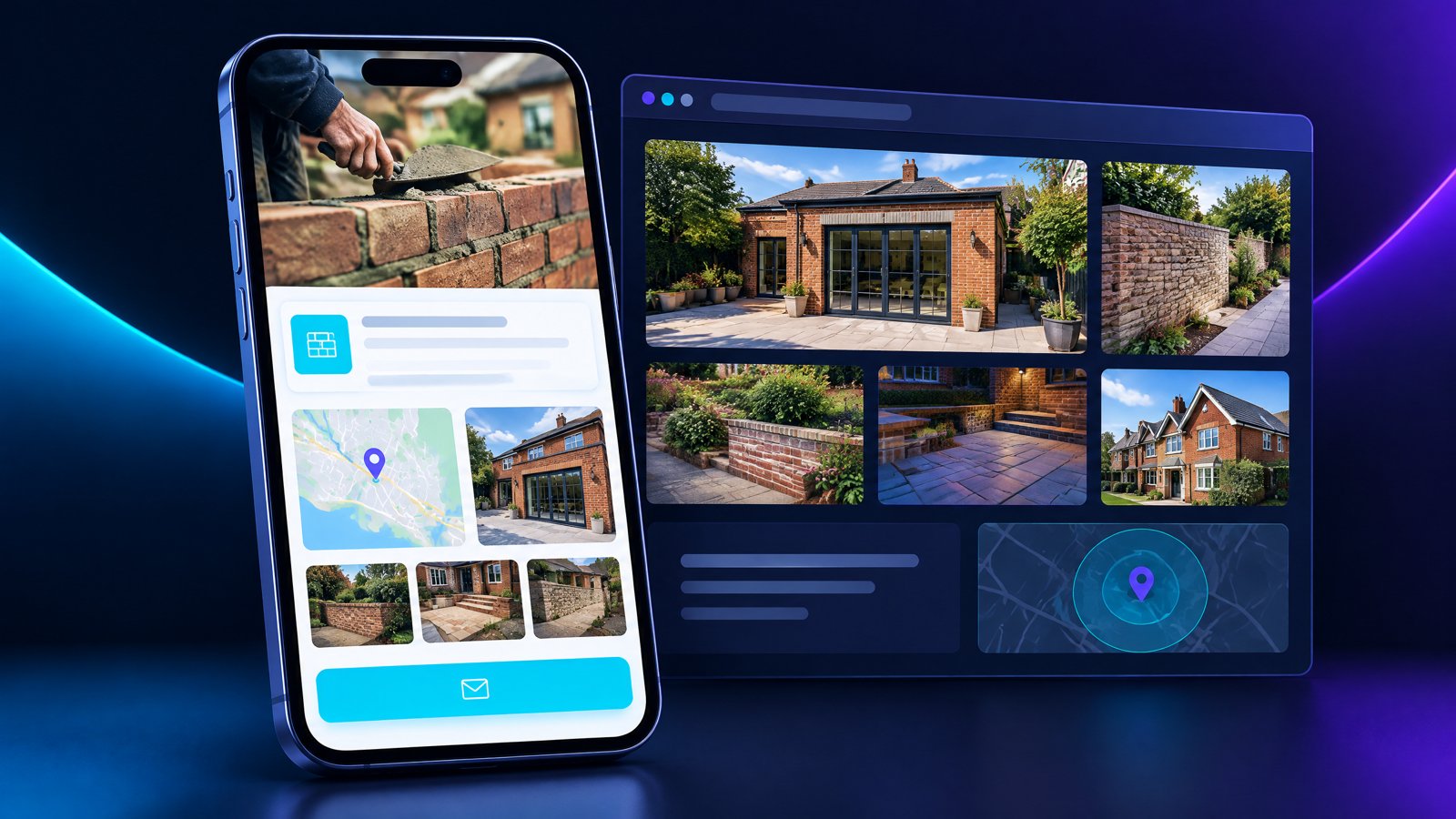
A single page listing dozens of jobs rarely explains enough for someone to decide whether to contact you. Dedicated pages are useful when services involve different customer questions, processes or quotation requirements.
For example, a hypothetical roofer could separate repairs from roof replacement. The repair page can explain assessment and access. The replacement page can discuss materials, removal of the existing roof and information needed before quoting.
Each page should explain what the service covers, any exclusions and how the enquiry process works. Add relevant project links and questions customers actually ask. You do not need a page for every minor task: group closely related work where a separate page would add little useful information.
When planning this structure, our web design for tradesmen page outlines the approach to building a site around the work customers need.
Show real projects with enough detail to be useful
Project pages should help customers judge whether your experience matches their job. Include the type of property, the requested work, the scope completed and any relevant constraints. Explain your contribution if other contractors were involved.
Use photographs of your own work, with permission from the customer and the person who owns the images where needed. Check photographs for house numbers, vehicle registrations, faces and personal possessions before publishing. A broad area can establish local relevance without exposing a customer's exact address.
Before-and-after photographs need accurate captions. Do not present stock images or generated illustrations as completed work. Never invent a customer quote, completion time, cost saving or performance statistic to make a project sound more impressive.
Google's helpful-content guidance asks whether content demonstrates first-hand expertise and helps readers achieve their goal.3 A clear explanation of a real job is a practical way to provide that evidence. To see how website work can be presented, browse our portfolio.
Make business details and credentials verifiable
Your About page should identify the business, who carries out the work and their relevant experience.
Have the business owner confirm every claim before publication. "Fully insured" is vague unless it reflects current cover and the work offered. Check insurance descriptions against the policy, and confirm qualifications, memberships, registration numbers and expiry dates against current evidence. Link to a verification page where one is available.
Requirements differ by trade and type of work. Do not invent a universal list of legally required badges or describe a membership as a qualification. Avoid claiming that every team member holds a credential that only one person has. Keep evidence securely on file and review public claims when circumstances change.
Describe service areas without inventing a local presence
Start with an honest coverage area and explain relevant limits. Do you travel further for larger projects? Are some services available only close to your base? Customers should not have to submit a form to discover that their postcode is outside your area.
Separate town pages can be useful when you have genuinely different information to offer, such as local projects or specific coverage arrangements. Copying the same page and changing the town name adds little for the reader. Do not create fake office addresses or imply that you have a branch in every location.
Use permitted project photographs as local proof. Our Manchester web design page explains Revampify's local website services.
Give price context and explain quote dependencies
Publish prices only when you can explain what they cover. If you use a starting price, state the assumptions, exclusions and whether VAT is included or applicable. Clarify any genuine call-out or assessment charge before customers commit.
Where a fixed price would be misleading, explain what affects the quote. Access, materials, the condition of existing work and the size of the job may all matter. Say whether photographs can support an initial discussion and when a site visit is needed. Distinguish an estimate from an agreed quotation in your wording.
Avoid promises such as "every repair completed the same day" unless you can reliably honour them. Explain how to check current availability.
Make enquiries easy on mobile and accessible
Ask for enough information, not everything
Provide a tap-to-call number, an email option and a short form. Useful fields include a name, a way to reply, a postcode and a description of the job. Keep photo uploads optional, with clear file limits and an explanation of what images would help.
Explain how enquiry information is used and link to an accurate privacy notice. Avoid requesting sensitive details that are unnecessary for the initial conversation. Photo guidance should remind customers not to include people or private documents. Do not quietly bundle an enquiry with a marketing subscription.
Test the whole contact route
Check labels, contrast, keyboard navigation and helpful error messages. Customers should not have to rely on tiny buttons or placeholder text to understand a form. Confirm that submissions reach the right inbox and that the success message explains what happens next. Give a realistic reply timeframe only if the business can maintain it.
Keep local search and AI search grounded in accurate information
Keep your business name, phone number, website, hours and service information consistent with your Google Business Profile. Google recommends complete, accurate profile information, reviews and business photos. It says local results depend mainly on relevance, distance and prominence, and that businesses cannot pay Google for a better local ranking.1
For AI search, make the business identity, services and coverage explicit. Give useful questions direct answers that remain understandable when quoted separately. Link supporting project details where relevant, and avoid vague claims such as "the area's leading specialist" without evidence.
Google says the same SEO practices apply to AI Overviews and AI Mode. A supporting page must be indexed and eligible for a search snippet; no special AI text files or schema are required. Structured data should match visible content, and meeting the requirements does not guarantee inclusion.2
Use natural internal links between related services, projects and contact details. Keep classic SEO foundations intact, including descriptive titles and crawlable pages. If you are replacing an existing site, read how to redesign without losing SEO. If search visibility is not producing enquiries, our companion guide covers Google impressions without clicks or enquiries.
A practical checklist before publication
- Does the homepage name the trade, service area and enquiry route?
- Do the main service pages explain scope, exclusions and quotation steps?
- Are project details genuine and photographs cleared for publication?
- Has the owner verified credentials, insurance wording and availability claims?
- Do location pages contain useful local information without fake addresses?
- Are prices qualified and quote dependencies explained?
- Can customers call or submit an accessible form on a phone?
- Are photo uploads optional and privacy information accurate?
- Do business details match the Google Business Profile?
- Do links work, and do FAQs reflect the business's actual answers?
Frequently asked questions
What pages does a tradesman website need?
Most trades businesses need a homepage, pages for their main services, an About page, project examples and contact details. Add service-area information and FAQs where they help customers decide. The right number of pages depends on the work offered, not a fixed package template.
Should a tradesman website show prices?
Show prices when you can explain what is included and what could change the cost. For work that needs assessment, describe the quotation process and relevant factors instead. Make starting prices, call-out charges, exclusions and VAT wording clear rather than implying every job costs the same.
Do I need a separate page for every town?
No. A clear service-area page may be enough. Create a separate town page only when you have useful information specific to that location, such as genuine local projects or coverage details. Avoid cloned pages and never claim an office or branch that does not exist.
Can customers upload photographs when requesting a quote?
Yes, if the form supports uploads, but photographs should be optional. Explain which images would help, set sensible file limits and provide privacy information. Photographs can help an initial discussion, but they should not imply that a site assessment is never needed.
Does a tradesman website need special content for AI search?
It needs clear business details and useful answers, not a separate set of promotional claims for AI. Explain services, coverage and quotation steps accurately. Google's guidance says established SEO practices still apply to its AI features, with no special AI files or schema required.2
Plan the content before choosing the design
Gather service details, approved photographs and verified business information first. Revampify in Manchester offers website packages from £1,000, with delivery from 48 hours depending on agreed scope. Contact Revampify to discuss the pages and enquiry features your business needs. Rankings and revenue are not guaranteed.